


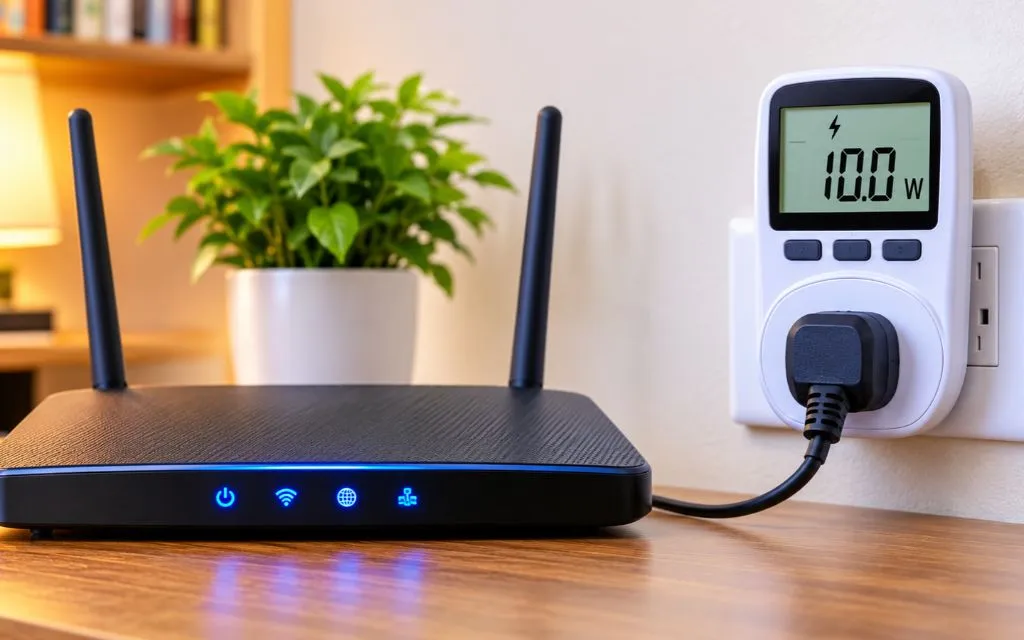

A typical WiFi router uses 5 to 20 watts, and 10 watts is a fair average for a modern one. At $0.17 per kWh that costs about $7 to $30 a year, or roughly $15 a year at 10 watts.
A router is one of the few devices in your home that never gets a day off. It runs through the night, through holidays and while you are at work. So even a small number of watts adds up over 8,760 hours a year.
The good news is that the bill is modest. The better news is that a few choices, like how many mesh nodes you buy, can matter more than whether you switch the router off at night.
How Many Watts a Router Uses
EnergySage puts most home routers between 5 and 20 watts and treats 10 watts as a safe average for modern models from major brands. Zen Internet, a UK broadband provider, gives the same 5 to 20 watt range.
The spread comes from the hardware. A basic single-band router sits near the bottom. A fast tri-band model with extra radios and several active ports sits closer to the top, and the draw rises when many devices are pulling data.
A test reported by BGR shows how wide the real-world gap can be. A control router drew 5.91 watts, while a TP-Link AX1800 averaged 13.3 watts under load.
What a Router Costs Per Year
Here is the math, using the formula watts × 24 hours × 365 days ÷ 1,000 × your price per kWh. The table assumes the router runs around the clock at $0.17 per kWh.
| Router draw | kWh per year | Cost per year | Cost per month |
| 5 watts | 43.8 | $7.45 | $0.62 |
| 10 watts | 87.6 | $14.89 | $1.24 |
| 15 watts | 131.4 | $22.34 | $1.86 |
| 20 watts | 175.2 | $29.78 | $2.48 |
Your electricity rate changes the picture more than most people expect. Here is a 10 watt router at four different rates:
| Your rate per kWh | Yearly cost at 10 watts |
| $0.10 | $8.76 |
| $0.15 | $13.14 |
| $0.20 | $17.52 |
| $0.30 | $26.28 |
The takeaway: a router costs about the same as one or two coffees a year to run at the low end, and a few dinners at the high end. It is worth knowing, but it is rarely the thing driving your bill.
Router vs Mesh System
This is where the real difference shows up. Mesh systems use several units, and each one draws power around the clock.
BGR measured five mesh systems at 4.04 to 9.15 watts per node. A three-node system drew 10 to 25 watts when idle. Using three hours of daily traffic and a rate of $0.196 per kWh, BGR worked out these yearly figures:
| Setup | kWh per year | Cost per year |
| TP-Link AX1800 single router | 63.66 | $12.48 |
| Three-node mesh system | 195.6 | $38.34 |
| Difference | 131.94 | $25.86 |
BGR’s conclusion is that even a fast, high-powered router is more efficient than a fairly small mesh network. The same article points out that if only one or two rooms have weak signal, a range extender under $40 can cost less to run than extra mesh nodes, though it still draws more than a router alone.
Practical rule: buy the fewest nodes that cover your home. Each extra node adds roughly $6 to $14 a year at $0.17 per kWh, based on the 4.04 to 9.15 watt per-node range above.
Should You Switch Your Router Off at Night?
Do the math first. Switching a 10 watt router off for 8 hours a night saves 10 × 8 × 365 ÷ 1,000 = 29.2 kWh a year. At $0.17 per kWh that is $4.96 a year.
| Router draw | Saved by 8 hours off nightly |
| 5 watts | $2.48 per year |
| 10 watts | $4.96 per year |
| 20 watts | $9.93 per year |
That is a small prize, and there are real reasons to skip it:
- Overnight updates. Zen explains that firmware updates usually install overnight, and switching off can interrupt them. ISPreview reports that Virgin Media warns users against nightly switch-offs for the same reason, since operators often schedule updates in off-peak hours.
- Smart devices. Thermostats, cameras and voice assistants need a constant connection to keep working on schedule.
- Line stability. On copper broadband such as ADSL and VDSL, ISPreview notes that frequent switch-offs can trigger a system that reads the line as unstable and lowers your speed.
ISPreview also says that turning most routers off at night “isn’t the end of the world,” so it will not break anything for most people. It just saves very little.
When switching off does make sense:
- You are away for a week or more and no smart device needs a connection. Zen says powering down is reasonable in that case.
- You are troubleshooting. A reboot clears many connection problems.
If you are tempted to put the router on a timer plug, remember that a router is exactly the kind of device our guide to smart plugs says to leave alone. The plug itself uses power, and the savings are small.
How to Measure Your Own Router
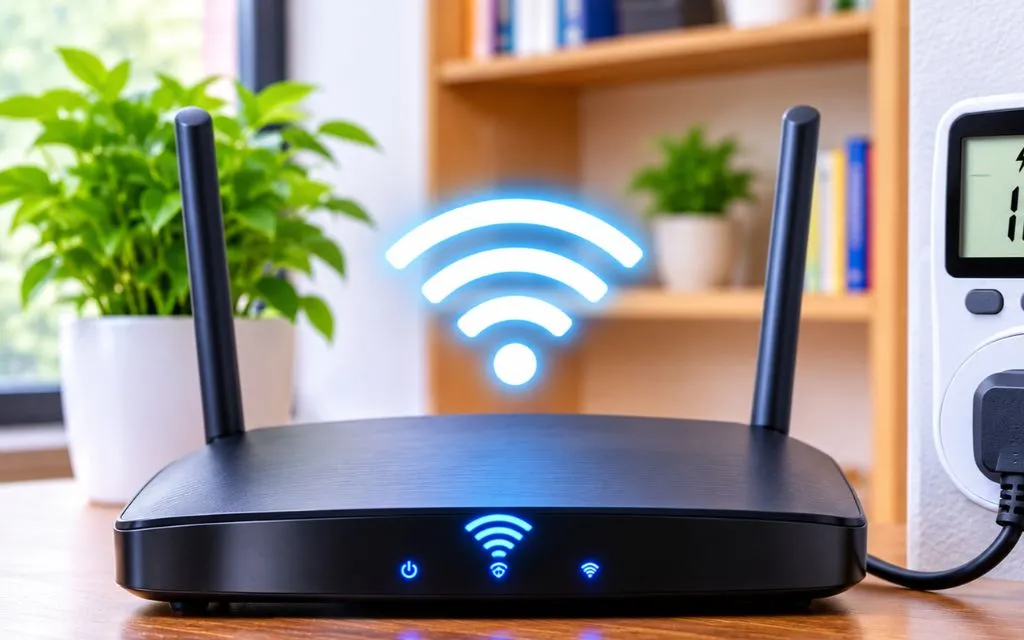
The label on the power adapter shows the maximum the adapter can supply, not what the router actually draws. Real use is usually lower. To get the true number:
- Plug an inexpensive watt meter into the wall, or use a smart plug with energy monitoring.
- Plug the router’s power adapter into the meter.
- Wait a few minutes with your normal devices connected.
- Read the watts.
- Multiply by 8.76 to get kWh per year, then multiply by your rate.
Your rate is on your electric bill. Divide the total charge by the kWh used if you do not see a per-kWh price.
Simple Ways to Keep the Cost Down
- Use fewer mesh nodes. This is the biggest lever, as the table above shows.
- Place the router well. A central, open position reduces the need for extra nodes or extenders.
- Read the spec sheet before you buy. Manufacturers list power ratings, and the lower the number, the lower the yearly cost.
- Do not chase tiny savings. If a router costs $15 a year, a nightly timer will not change your life. Spend your effort on bigger loads like cable boxes and entertainment centers.
FAQ
How many watts does a WiFi router use? Most use 5 to 20 watts, with about 10 watts as a typical figure.
How much does it cost to run a router 24/7? Roughly $7 to $30 a year at $0.17 per kWh. A 10 watt router costs about $15 a year.
Does a mesh WiFi system use more electricity than a router? Yes. BGR’s numbers put a three-node mesh at about $25.86 a year more than a single router.
Does turning off WiFi at night save electricity? Only a little. A 10 watt router saves about $5 a year, and you risk missing overnight updates.
Do routers use power when nobody is online? Yes. A router draws power whenever it is plugged in and switched on, and usage rises a bit under heavy traffic.
Bottom Line
A WiFi router costs about $15 a year to run at typical wattage, and that is true whether you leave it on or switch it off for a few hours. The smartest savings come from buying fewer mesh nodes, not from fiddling with a timer. Measure your router once with a watt meter, plug the number into the formula, and move on to bigger savings elsewhere in your home.
For a closer look at where standby power really adds up, read our guide on whether smart plugs are worth it, or compare models in our best smart plugs of 2026 roundup.