


Are smart plugs worth it? Yes, but only when the plug controls something that wastes real power while off, like a TV setup, a cable box or a desk full of gadgets. On a lamp or a phone charger, a smart plug usually costs more to run than it saves.
Smart plugs get sold as an easy way to cut your electric bill. Sometimes that’s true. Other times you spend $12 to save 40 cents a year. The difference comes down to one number most people never check: how many watts a device draws when you think it’s off.
This guide explains what a smart plug is and how it works, gives you the payback math and a table you can adjust for your own rate, and shows how to measure your own gear in about ten minutes. It also covers how to reset a Kasa smart plug and whether an Amazon Smart Plug has a MAC address.
What Is a Smart Plug?
A smart plug is a small adapter that sits between a wall outlet and a device. It lets you switch that device on and off from your phone, on a schedule or with a voice assistant. Some models also measure how much electricity the device uses.
A smart plug does not make the device itself smart. It only controls power. That works well for lamps, fans, TV setups and anything that turns on by itself when power returns.
How Do Smart Plugs Work?
Inside every smart plug is a relay, which is a tiny electronic switch, and a radio that listens for commands. When you tap the app, press a button on a schedule or ask a voice assistant, the radio receives the command and the relay closes or opens the circuit. Power then flows to the device or stops.
Wi-Fi plugs connect straight to your router and often route commands through the maker’s cloud service. Zigbee and Z-Wave plugs talk to a hub instead. In both cases the radio has to stay awake around the clock, and that is why even a switched-off plug draws a little power.
How Much Power Does a Smart Plug Use?
A smart plug stays awake so it can hear your phone or voice assistant. That costs a little electricity all day and all night. Most models draw between 0.5 and 2 watts. SmartGeekHome reports that Wi-Fi plugs sit at the high end of that range, while Zigbee and Z-Wave plugs often draw less than 0.5 watts.
Here is what that means in money, using a rate of $0.17 per kWh:
| Plug standby draw | kWh per year | Cost per year |
| 0.5 watts | 4.4 | $0.74 |
| 1 watt | 8.8 | $1.49 |
| 2 watts | 17.5 | $2.98 |
SlashGear ran the same math for a 1 watt plug at the 16.44 cent U.S. average rate and landed on about $1.44 a year. The plug itself is cheap to run. The real risk is buying one for a device that saves less than the plug uses.
Why Standby Power Matters
Berkeley Lab research, as reported by PBS NewsHour, puts “vampire” electronics at 5 to 10 percent of an average home’s energy use. The Department of Energy says they can add more than $100 a year to an electric bill.
A Berkeley study of ten California homes measured the spread. The average home drew 67 watts on standby, but the range ran from 14 to 169 watts. That study is from 2000, and many modern devices use less, so treat the numbers as a sign of scale rather than a current average. Still, the pattern holds: a handful of devices cause most of the waste.
Alan Meier, a scientist at Berkeley Lab, also pointed out a side benefit of cutting standby draw. It removes a small shock and fire risk, because when the appliance is “off,” it is truly off.
The Smart Plug Payback Formula
You only need two steps.
Step 1: Work out what the plug saves.
Savings per year = device standby watts × hours off per day × 365 ÷ 1,000 × your price per kWh
Step 2: Subtract what the plug costs to run. Net savings per year is the result of step 1 minus the plug’s own yearly cost (about $1.49 for a 1 watt plug at $0.17 per kWh). Then divide the plug’s price by the net savings to get your payback time.
Example: A soundbar draws 5 watts on standby, and you cut power for 16 hours a day.
- 5 × 16 × 365 ÷ 1,000 = 29.2 kWh a year
- 29.2 × $0.17 = $4.96 a year
- Minus $1.49 for the plug = $3.47 net savings
- A $12 plug takes about 3.5 years to pay for itself
Which? tested this in the UK and reached a similar conclusion. Their cheapest tested plug cost £8.99 and some cost over £40, so in many homes the energy savings alone take years to cover the price.
Are Smart Plugs Worth It? Payback Table for Common Devices
These figures use my own arithmetic with clear assumptions: $0.17 per kWh, a $12 plug that draws 1 watt, and power cut for 16 hours a day. Standby watts are typical values reported by smart plug testers, and I used the low end of each range to stay conservative. Swap in your own rate and the numbers shift fast.
| What is plugged in | Standby watts | Net savings per year | Payback time |
| Table lamp or LED bulb | about 0 | -$1.49 | Never |
| Phone charger with nothing attached | 0.5 | -$0.99 | Never |
| Soundbar | 5 | $3.47 | About 3.5 years |
| Desk setup (monitor, speakers, dock) | 10 | $8.44 | About 17 months |
| Cable box or DVR | 20 | $18.37 | About 8 months |
| Whole entertainment center on one strip | 30 | $28.29 | About 5 months |
The pattern is simple: the higher the standby draw, the faster the plug pays for itself. Below roughly 3 watts, you are mostly guessing.
Where a Smart Plug Pays Off
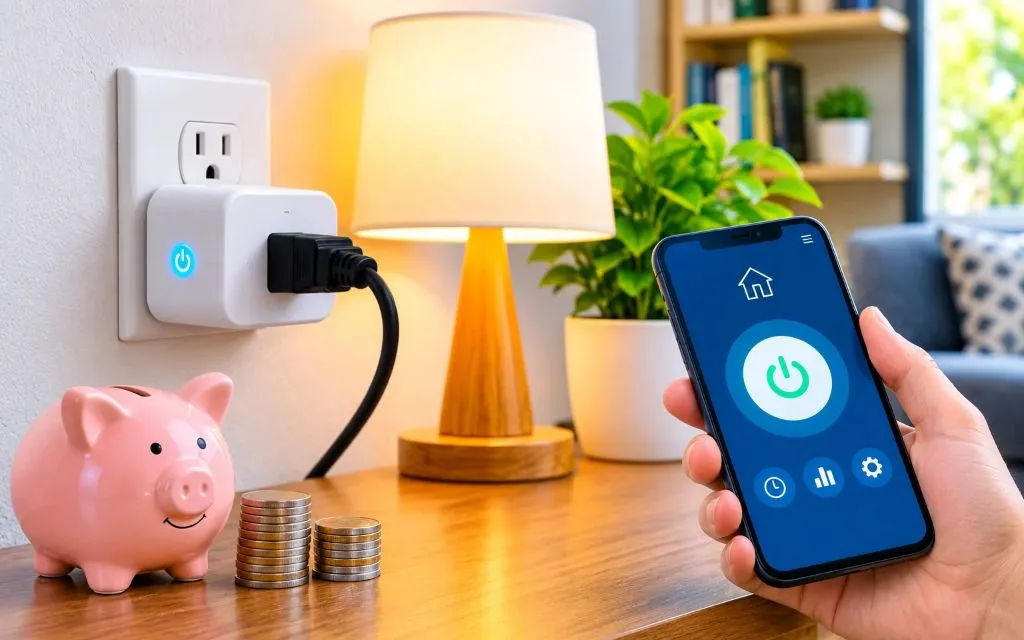
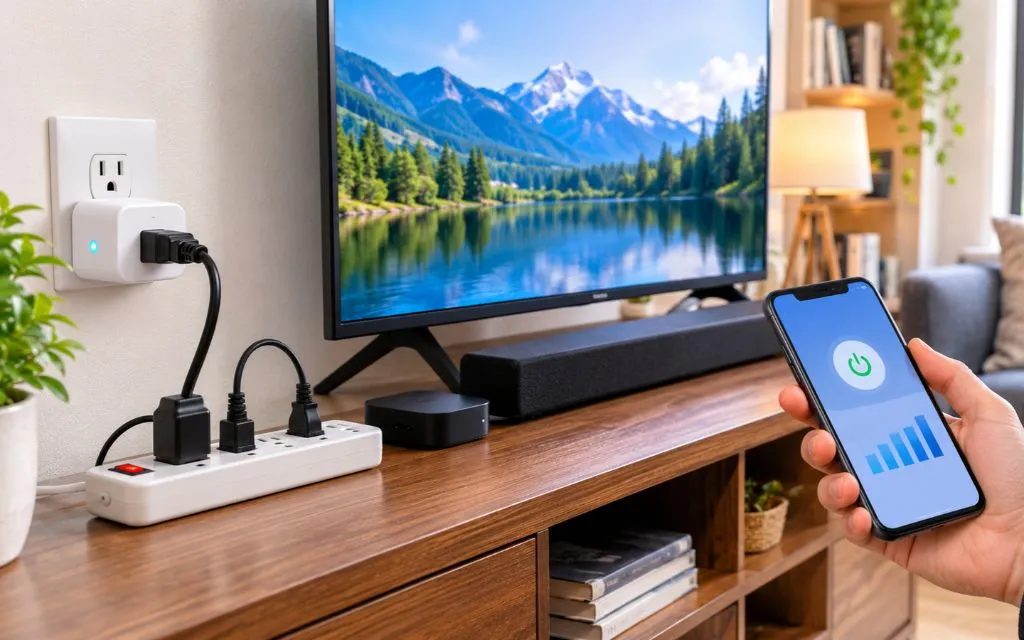
- An entertainment center on a power strip. One plug controls the TV, console, soundbar and streaming box together. This is where the table’s best numbers come from.
- Desk clutter. Monitors, speakers, docks and chargers each sip a little. Together they add up, and a schedule that cuts power overnight takes care of all of it.
- Older electronics. SlashGear notes that older devices carry larger vampire loads, so a plug helps more there than on new gear.
- Cable boxes and DVRs. They draw the most of any common device. One catch: a DVR may need power to record and download guide data, and a box that loses power can take a few minutes to restart. Schedule the off time for when you are sure nothing is recording.
Where to Skip a Smart Plug
- New TVs and consoles. SlashGear lists a PlayStation 5 in Rest Mode at 0.31 watts and a 2024 Samsung S90D OLED at 0.5 watts on standby. A plug rated at 1 watt can draw more than the device it controls.
- Lamps and chargers. Their off-state draw is close to zero, so there is nothing to save.
- Anything that needs to stay connected. Routers, fridges, security cameras and medical equipment should not sit behind a schedule.
- Heaters and other high-load appliances, unless the plug is rated for them. A space heater averages around 1,500 watts, and many plugs cap out at 1,800 watts, according to BGR. That leaves little room for error.
Wi-Fi Plugs vs Zigbee and Z-Wave Smart Plugs
Wi-Fi plugs are easy because they join your router with no extra hardware. They also sit at the higher end of standby draw, around 1 to 2 watts.
Zigbee and Z-Wave plugs often draw under 0.5 watts, but they need a hub. Hubs are small users themselves. NextPit measured a Philips Hue Bridge at 0.1 watts on standby. If you plan to run many plugs, a hub-based setup can lower the total. If you plan to run one or two, Wi-Fi is simpler and the difference is pennies.
For model picks, see our guide to the best smart plugs of 2026.
Safety Limits to Check Before You Buy
- Amp and watt rating. Most plugs handle 15 amps, or about 1,800 watts. Match it to the device, not the other way around.
- Safety certification. Look for a UL, ETL or equivalent mark printed on the product or box.
- Energy monitoring. Plugs with built-in monitoring, like those that show daily and monthly use in their app, let you see real numbers instead of guessing.
How to Measure Your Own Devices in 10 Minutes
You do not need to trust anyone’s averages, including the ones above.
- Plug an inexpensive watt meter into the wall, or use a smart plug with energy monitoring.
- Plug your device into the meter.
- Put the device in the state you normally leave it, such as TV off with the remote.
- Wait a couple of minutes and read the watts.
- Multiply by 8.76 to get kWh per year, then by your rate.
Check your rate on your last bill. Divide the total charge by the kWh used, or use the per-kWh price printed in the rate section.
Anything under 1 watt is usually not worth a plug. Anything over 5 watts that you can safely switch off is worth a closer look.
How to Reset a Kasa Smart Plug
A Kasa smart plug has two kinds of reset. Pick the one that fits, based on TP-Link’s Kasa reset guide.
- Soft reset (keeps your settings): press and hold the reset button for 5 seconds, until the LED blinks amber and green. Use this when you are moving the plug to a new Wi-Fi network. Your schedules and automations stay.
- Factory reset (erases everything): press and hold the reset button for about 10 seconds, until the LED blinks amber rapidly. Use this when the plug keeps failing or you are giving it away.
After a factory reset, add the plug to the Kasa app again as if it were new. On the HS105 the LED blinks amber and blue instead of amber and green. This applies to Kasa-branded plugs only, so a Tapo plug may reset differently.
Does an Amazon Smart Plug Have a MAC Address?
Yes. Every Wi-Fi device has a MAC address, including the Amazon Smart Plug. The catch is that Amazon does not make it easy to see, and sources disagree on whether it is printed on the plug or its box, so check both before trying anything else.
If you need it, for example because your router only allows approved devices, try these in order:
- Look at the label on the plug and on the retail box.
- Finish setting the plug up in the Alexa app, then open your router’s list of connected devices and find the new entry.
- Ask Amazon support to give you the MAC address for your plug.
Write the address down once you have it, because you may need it again if you ever replace the plug.
Smart Plug FAQ
What is a smart plug? A smart plug is an adapter that goes between a wall outlet and a device so you can switch the device on or off from an app, a schedule or a voice assistant.
How do smart plugs work? A smart plug has a relay (an electronic switch) and a Wi-Fi, Zigbee or Z-Wave radio. The radio receives your command and the relay opens or closes the circuit to cut or restore power.
How do I reset a Kasa smart plug? Hold the reset button for 5 seconds until the LED blinks amber and green for a soft reset that keeps your settings. Hold it for about 10 seconds until the LED blinks amber rapidly for a factory reset that erases them.
Does an Amazon Smart Plug have a MAC address? Yes, every Wi-Fi device does. Amazon does not display it clearly, so check the plug and box label, look at your router’s connected-device list after setup, or ask Amazon support.
Do smart plugs use electricity when off? Yes. They draw about 0.5 to 2 watts to stay connected, which costs roughly $1 to $3 a year.
Will a smart plug raise my electric bill? Not noticeably. One plug adds a few dollars a year at most. A bill rises only when you buy many plugs for devices that save nothing.
How long does a smart plug take to pay for itself? It depends on the device. Based on the table above, an entertainment center pays back in about five months, a soundbar in about three and a half years, and a lamp never.
Are Zigbee plugs better than Wi-Fi plugs for saving power? They usually draw less standby power, but they need a hub. The gap matters most when you run many plugs.
Which devices are best to put on a smart plug? Cable boxes, DVRs, entertainment centers and desk setups. Skip phone chargers, lamps, and newer electronics that already use under 1 watt.
Bottom Line: Are Smart Plugs Worth It?
Smart plugs are worth it when they cut off real standby waste, and not worth it when they sit on devices that barely draw anything. Measure first, buy second. A 10-minute reading with a watt meter will tell you more than any average in this article.
If your measurements point to a power-hungry corner of your home, a smart plug can pay for itself in under a year. If they do not, spend that money elsewhere. For more ways to automate your home without wasting money, read our guide to smart kitchen appliances.